
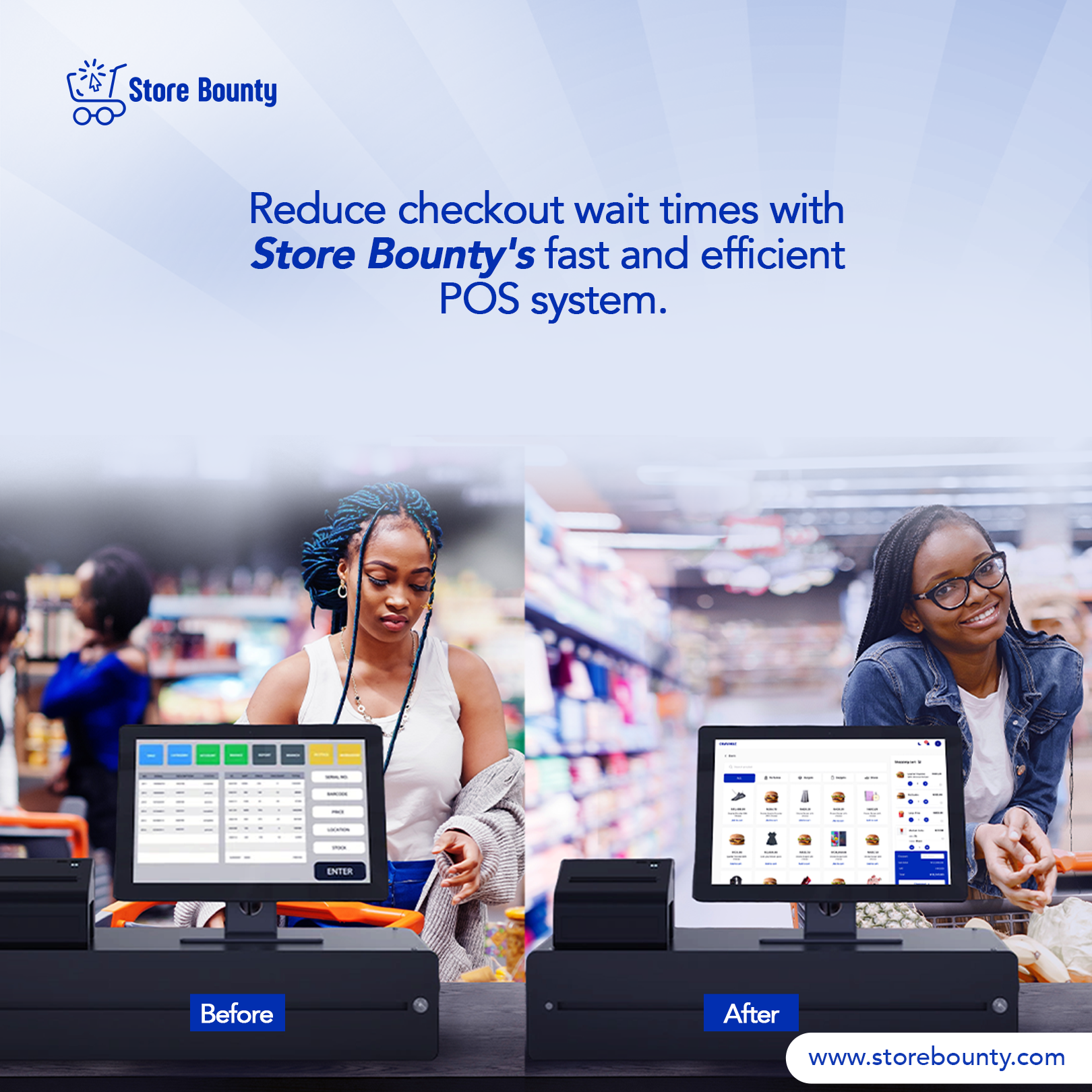
Picture this: it is a Saturday morning, your store is filling up fast, and your cashier is staring at the screen trying to find a product that was never properly added to the system. A queue forms. Someone leaves. That lost sale — and that embarrassment — is entirely preventable.
A point-of-sale system only works as well as the preparation behind it. StoreBounty gives small retail teams a capable, mobile-friendly POS, but the tool is only as useful as the data and habits you build into it before the rush begins. This article walks you through the operational groundwork — product records, stock accuracy, customer handling, payment discipline, staff practice and end-of-day review — so that your first busy trading day feels controlled rather than chaotic.
Why Preparation Matters More Than the Technology
Many small store owners assume that once the app is installed and a few products are entered, they are ready. In practice, the gap between "installed" and "operationally ready" is where most first-day problems live. Slow transactions, wrong prices, missing stock records and confused cashiers are not software failures — they are preparation failures.
The goal of this guide is not to teach you every feature in StoreBounty. It is to help you ask the right operational questions before a paying customer is standing in front of your cashier. Work through each section below as a team exercise, not a solo task.
Step 1 — Get Your Product Data Right Before Anything Else
Your product catalogue is the foundation of every transaction. If an item is missing, misspelled, or priced incorrectly in the system, your cashier cannot sell it accurately — no matter how good the POS is.
StoreBounty's Items section is where you build and manage your product listings. For each item, the key details to confirm are:
Product name: Use the name your staff and customers actually say. "Indomie Chicken 70g" is more useful than "Noodles A".
Selling price: Cross-check every price against your current supplier invoices or price list. A product entered at the wrong price will silently undercharge or overcharge every customer who buys it.
Variants: If you sell a product in multiple sizes, colours or configurations — for example, a body lotion in 200ml and 400ml — StoreBounty supports product variants. Set these up before trading begins so cashiers are not guessing which version a customer is buying.
Searchability: During a sale, cashiers can search for items or scan them. Make sure the product names in the system match what is printed on the packaging or shelf label. A cashier searching for "Peak Milk" should not have to know it was entered as "Milk Peak".
Common mistake: Adding products in a hurry and skipping the details. Quick addition can help with an urgent item, but prepare the full catalogue before trading begins. Check names, prices and variants so cashiers do not need to improvise during a sale.
Step 2 — Verify Your Opening Stock
A POS system records what is sold, but it can only track stock accurately if the opening quantities are correct. Before your first day of trading, do a physical count of your shelves and stockroom and reconcile those numbers with what is entered in StoreBounty.
Think of it this way: if the system shows you have 40 units of a product but you actually have 22, every stock report you read from that day forward will be wrong. Your cashier might confidently sell items that are not there, or you might reorder too late.
Assign this task to someone who knows the physical stock — ideally a supervisor or the owner — not a cashier who is still learning the system. Walk the shelves with a printed or handwritten count sheet, then update the records in StoreBounty to match reality. Do this the evening before your first busy day, not on the morning of.
A note on variants and stock: If you have set up product variants, confirm that stock is recorded at the correct variant level. For example, hypothetically, if you have 30 units of a 200ml lotion and 15 units of the 400ml version, those should be tracked separately — not as a combined 45.
Step 3 — Decide How You Will Handle Customers at the Till
StoreBounty gives you three customer options when processing a sale: Guest, New Customer, or Existing Customer. Each serves a different purpose, and your cashiers need to know — before the rush — which to use and when.
Guest Transactions
For a walk-in buyer who does not want to share contact details and is unlikely to return regularly, the Guest option is the fastest path to completing a sale. It keeps the queue moving without sacrificing transaction accuracy. Most counter sales in a busy Nigerian provisions store or pharmacy will fall into this category.
New and Existing Customers
If your store is building a customer database — for loyalty purposes, credit tracking or follow-up marketing — then capturing customer details at the point of sale is valuable. The New Customer option lets you add a buyer's information on the spot. The Existing Customer option links the sale to someone already in your system.
The practical decision for your team is: which customer types will you realistically use? If you are not yet running a loyalty or credit programme, training cashiers to add new customers for every transaction will slow things down unnecessarily. Be deliberate. Set a clear rule — for example, "add a customer record only when they ask to be registered" — and communicate it before day one.
Step 4 — Get Payment Methods Right Every Single Time
This is the section most retail owners underestimate, and it is where financial records quietly fall apart.
StoreBounty allows you to record different payment methods — cash, bank transfer, POS card payment, and potentially others depending on your configuration. When completing a sale, the cashier selects the payment method and enters the amount received. Both of these steps matter enormously.
Why the Payment Method Must Be Correct
If a customer pays by bank transfer but the cashier records it as cash, your end-of-day cash count will appear short — even though no money was actually lost. You will spend time reconciling a discrepancy that should never have existed. Over a week of trading, these small errors compound into a confusing and unreliable picture of your store's finances.
Train your cashiers to confirm the payment method before confirming the sale. This quick check helps prevent avoidable reconciliation work later.
Why the Actual Amount Matters
Check the amount being recorded for the sale and the selected payment method. In a hypothetical example, a ₦3,200 purchase paid with a ₦5,000 note is still a ₦3,200 sale, with ₦1,800 change to return. Follow your store’s cash-handling procedure; do not mistake the value of the cash note for the sale amount. Before confirming, check the sale total and the payment details shown in your store’s checkout.
Common mistake: Rushing through the payment screen and accepting default values without checking them. Make it a non-negotiable rule: every cashier reads the payment method and amount aloud before confirming a transaction during their first week.
Step 5 — Clarify Your Discount Policy in Advance
StoreBounty allows discounts to be applied directly within the cart during a transaction. This is a useful feature, but it requires a clear store policy before cashiers have access to it.
Without guidance, a well-meaning cashier might offer a discount to smooth over a complaint, match a competitor's price, or simply because a regular customer asked. These decisions erode your margins in ways that are hard to track after the fact.
Before your first busy day, decide and document:
Whether cashiers are permitted to apply discounts at all, or only supervisors.
Which products, if any, are eligible for discounts.
What circumstances justify a discount — bulk purchase, loyalty customer, damaged packaging, etc.
How discounts should be communicated to you as the owner (verbally, in a log, or visible in daily reports).
The feature itself is neutral — it is your policy that determines whether it helps or hurts your business. Check your store's actual StoreBounty configuration to understand how discounts are currently set up, as options can vary.
Step 6 — Run a Practice Session With Your Cashiers
Staff learn by practising. Before the first real customer, run a supervised walkthrough of the sale flow using sample scenarios. Avoid completing practice sales in the live store’s records: that can affect stock and sales reports. Agree a safe training setup with the owner before any practice transaction is finalized.
A useful practice session should cover:
Opening the sales area and finding the products to sell.
Searching for a product by name and adding it to the cart.
Adjusting quantity in the cart.
Selecting the correct customer type (Guest, New, or Existing).
Choosing the right payment method and entering the correct amount.
Reviewing the checkout details; only finalize a practice sale in an agreed training setup.
Walk through at least one scenario per payment type your store accepts. If you take both cash and bank transfers, practise both. If you have a product with variants, practise selecting the right one. The goal is muscle memory, not just awareness.
Common mistake: Skipping the practice session because "it looks simple." A POS that looks simple to an owner who set it up can feel very different to a cashier using it under pressure for the first time. Give your team the gift of a few unhurried minutes to get comfortable.
Step 7 — Build an End-of-Day Review Habit From Day One
The end of your first busy day is not just the finish line — it is your first real data point. Use it well.
StoreBounty's Home section gives you a view of daily activities and a summary of transactions. After closing, spend ten to fifteen minutes reviewing what the system recorded. Ask yourself and your team:
Does the total number of transactions feel right for how busy the day was?
Does the split between cash and transfer match what is physically in the drawer and what came into your bank account?
Are there any items that were sold but are not showing in the records — suggesting they were not in the system and a cashier had to improvise?
Were any discounts applied that you were not aware of?
This review is not about catching cashiers out. It is about identifying gaps in your setup — a missing product, a misconfigured price, a process your team found confusing — so you can fix them before day two. The stores that get the most from a POS system are the ones that treat the first few days as a calibration period, not a final exam.
It is also worth noting that published guidance — including this article — should always be checked against your store's actual StoreBounty configuration. Features, menu labels and available options can vary depending on how your account is set up. When in doubt, use the support options available within the app.
Your Pre-Launch Readiness Checklist
Use this checklist the evening before your first busy trading day. Work through it with your supervisor or most experienced cashier, not alone.
Product Data
All products are entered in the Items section with correct names and selling prices.
Product variants (size, colour, etc.) are set up and clearly labelled.
Product names in the system match shelf labels and packaging.
Stock Records
Physical stock count completed and matched to system records.
Variant-level stock quantities confirmed separately where applicable.
Customer Handling
Team knows when to use Guest, New Customer and Existing Customer.
A clear rule is in place for when to capture customer details.
Payments
All accepted payment methods are configured in the system.
Cashiers understand they must select the correct method and enter the actual amount for every transaction.
Discounts
Discount policy is written down and communicated to all cashiers.
It is clear who is authorised to apply a discount.
Staff Practice
Every cashier has completed at least one full mock transaction.
Practice covered all payment types the store accepts.
Cashiers know where to find support options within the app.
End-of-Day Plan
Owner or supervisor has a scheduled time to review the daily summary after close.
A simple process is in place for flagging and fixing any data errors found in the review.
Ready to Prepare Your Store?
A busy day in retail is not the time to discover that your products are missing, your cashiers are uncertain, or your payment records are unreliable. The work you do in StoreBounty before the first customer arrives is what makes the difference between a smooth, confident trading day and a stressful one.
Log in to StoreBounty.com today, work through this checklist with your team, and set your store up for a first day you can be proud of.